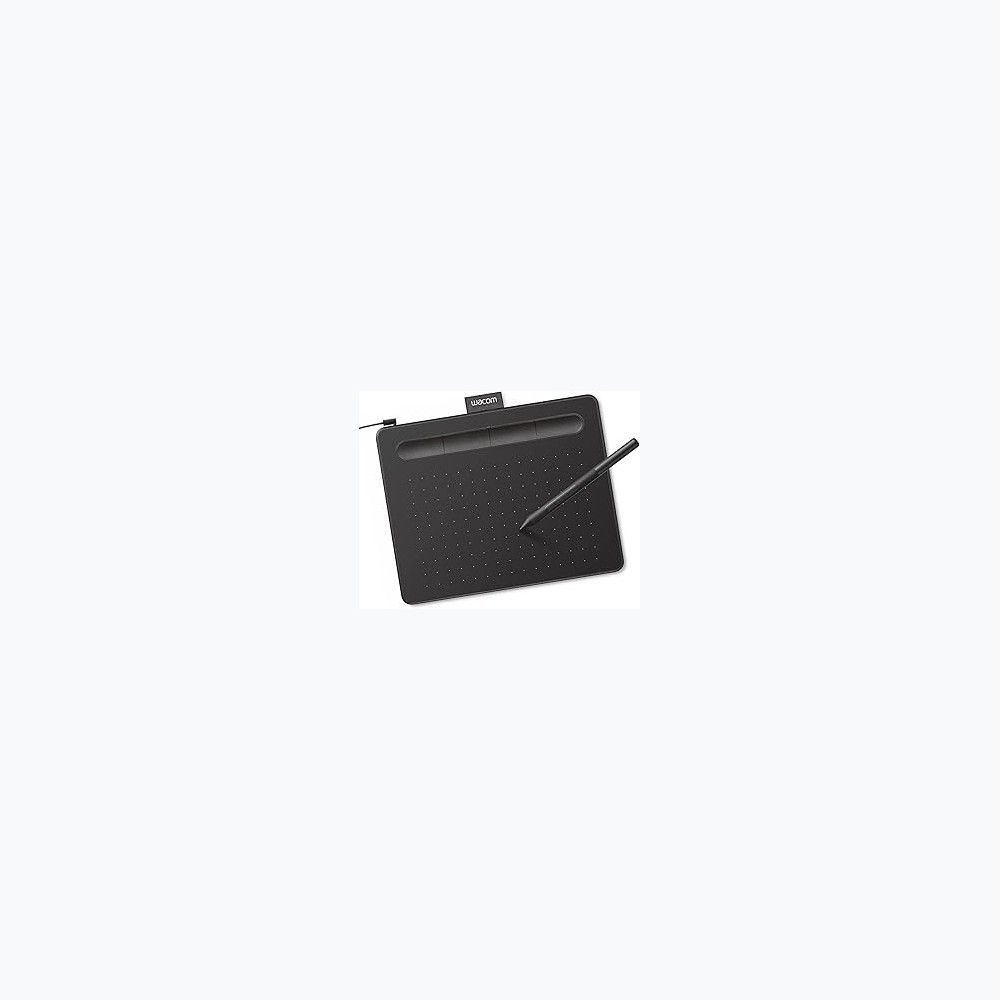
Wacom Intuos Small Drawing Tablet with 4 ExpressKeys for Chromebook Mac Android PC
Published July 15, 2026
✅ Pros
- + 4 customizable ExpressKeys for shortcuts
- + Battery-free pen with 2,048 levels of pressure sensitivity
- + Compact and portable design (7.9 x 6.3 inches)
- + Compatible with Chromebook, Mac, Android, and Windows
⚠️ Cons
- - Small active area (6.0 x 3.7 inches) may feel cramped for detailed work
- - No wireless connectivity; requires USB cable
Overview
The Wacom Intuos Small is a compact graphics tablet perfect for digital art, photo editing, and note-taking. With 4 customizable ExpressKeys and a battery-free pen, it boosts productivity on Chromebook, Mac, Android, and Windows. Ideal for beginners and hobbyists. Click the link to see more details and get yours.
Key Features
- 4 customizable ExpressKeys for shortcuts
- Battery-free pen with 2,048 levels of pressure sensitivity
- Compact and portable design (7.9 x 6.3 inches)
- Compatible with Chromebook, Mac, Android, and Windows
Things to Consider
- Small active area (6.0 x 3.7 inches) may feel cramped for detailed work
- No wireless connectivity; requires USB cable
Pricing
Current price: $39.95
Final Verdict
Wacom Intuos Small Drawing Tablet with 4 ExpressKeys for Chromebook Mac Android PC is a solid choice for anyone looking in this category. Check the latest price and availability at the link below.
Wacom Intuos Small Graphics Drawing Tablet, Includes Training & Software; 4 Customizable ExpressKeys Compatible with Chromebook Mac Android & Windows, Black — $39.95
As an Amazon Associate we earn from qualifying purchases at no extra cost to you.
View Price on Amazon →